1. Payment for services via the eQuGPS application:
Pay for services quickly and conveniently via LiqPay in our eQuGPS mobile application
Click Menu / My Account / Online Payment
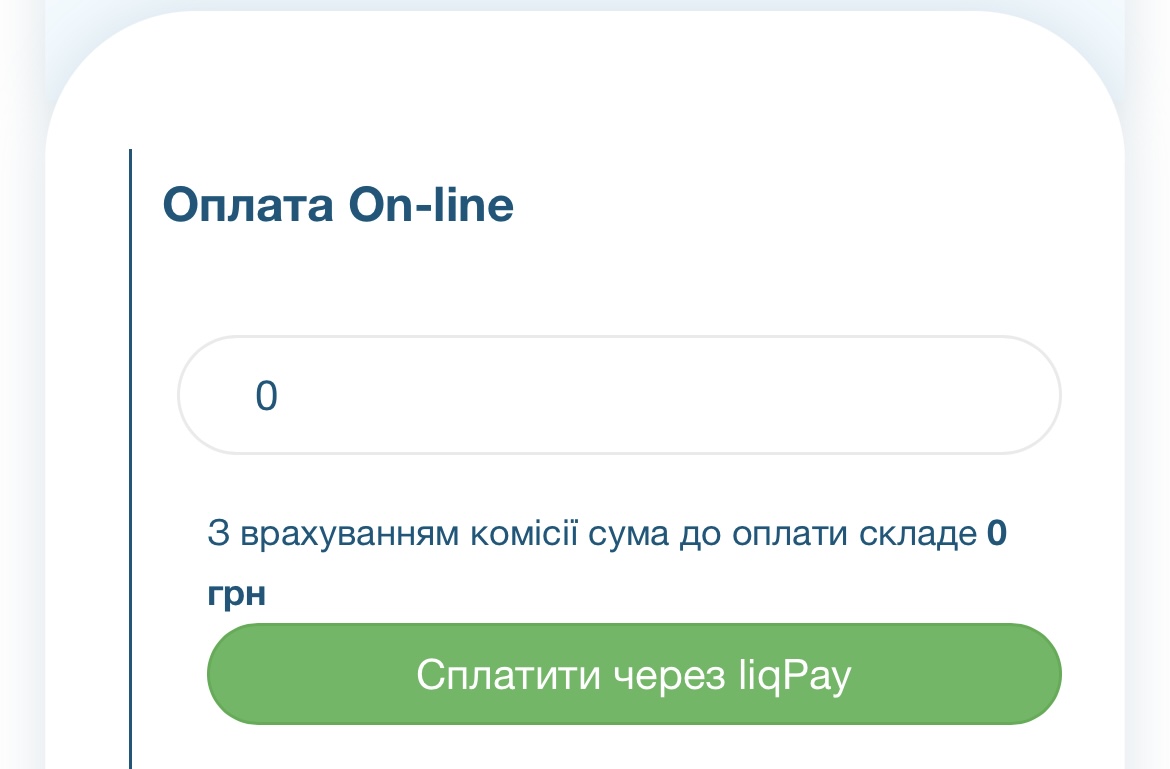
After you enter the payment amount and click "Pay via liqPay", you will be redirected to the liqPay payment system from PrivatBank.
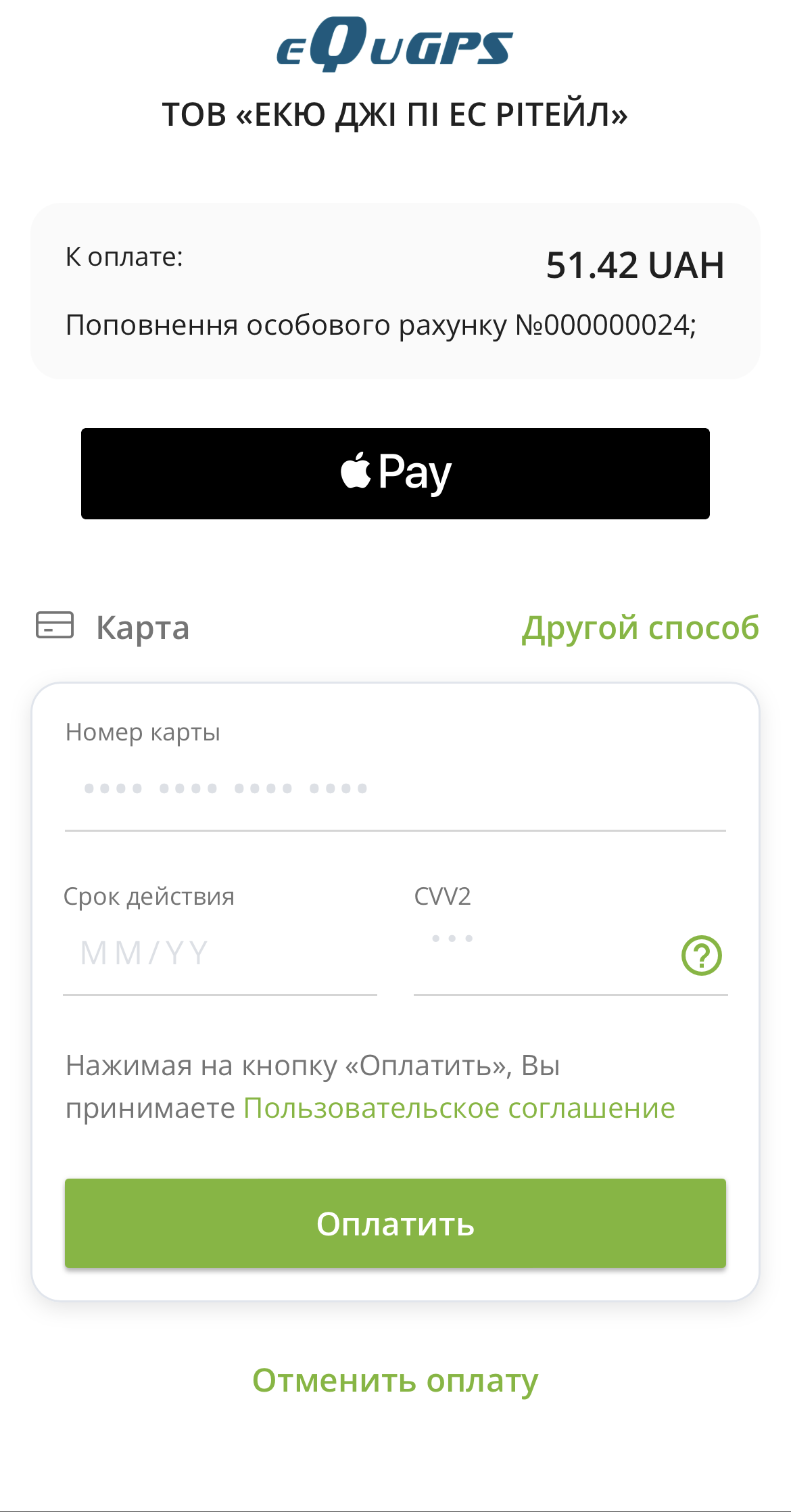
Next, if you have Apple Pay or Google Pay installed, you can pay using these services or enter your bank card details.
By clicking "Other method", you can select "Privat24", after which you will be redirected to the Privat24 application (in the case of the first payment via the Privat24 application, authorization will be required. For subsequent payments, the transition will occur automatically).
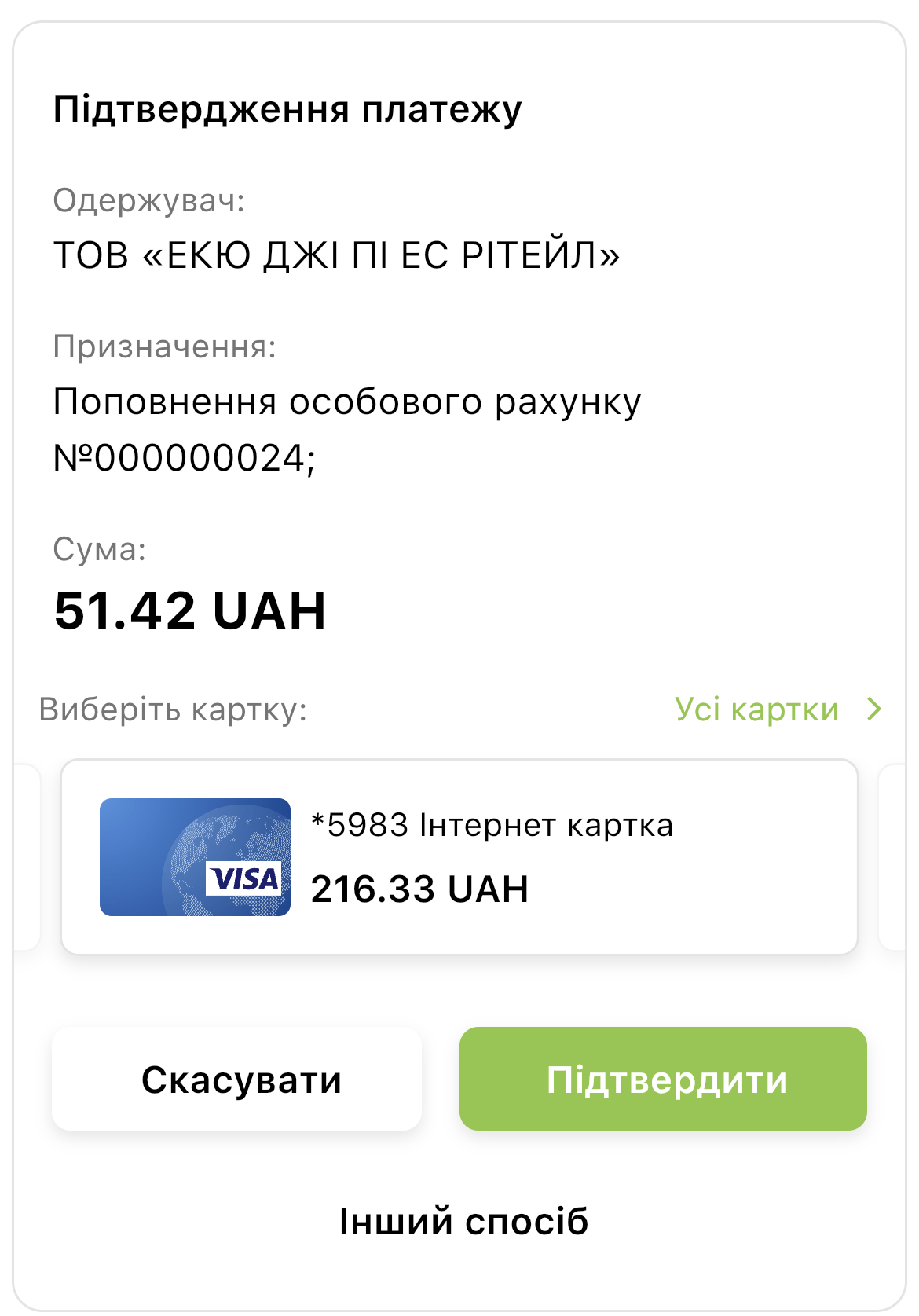
After switching to Privat 24, you must confirm the payment
You can familiarize yourself with the public offer at the link: https://equgps.com/about/Public.html